
Branding Guidelines
We've put together this quick guide to help you with your branding (colors, fonts, and imagery) - we will use this for your template design.
Once you've found everything you need for your branding, then you can share it with us when completing your content intake form! If you feel that you just want to use the colors used on your book cover, you can share that with us instead.
Get your pen and paper ready - let's go!
Let's Find Your Perfect Color Palette
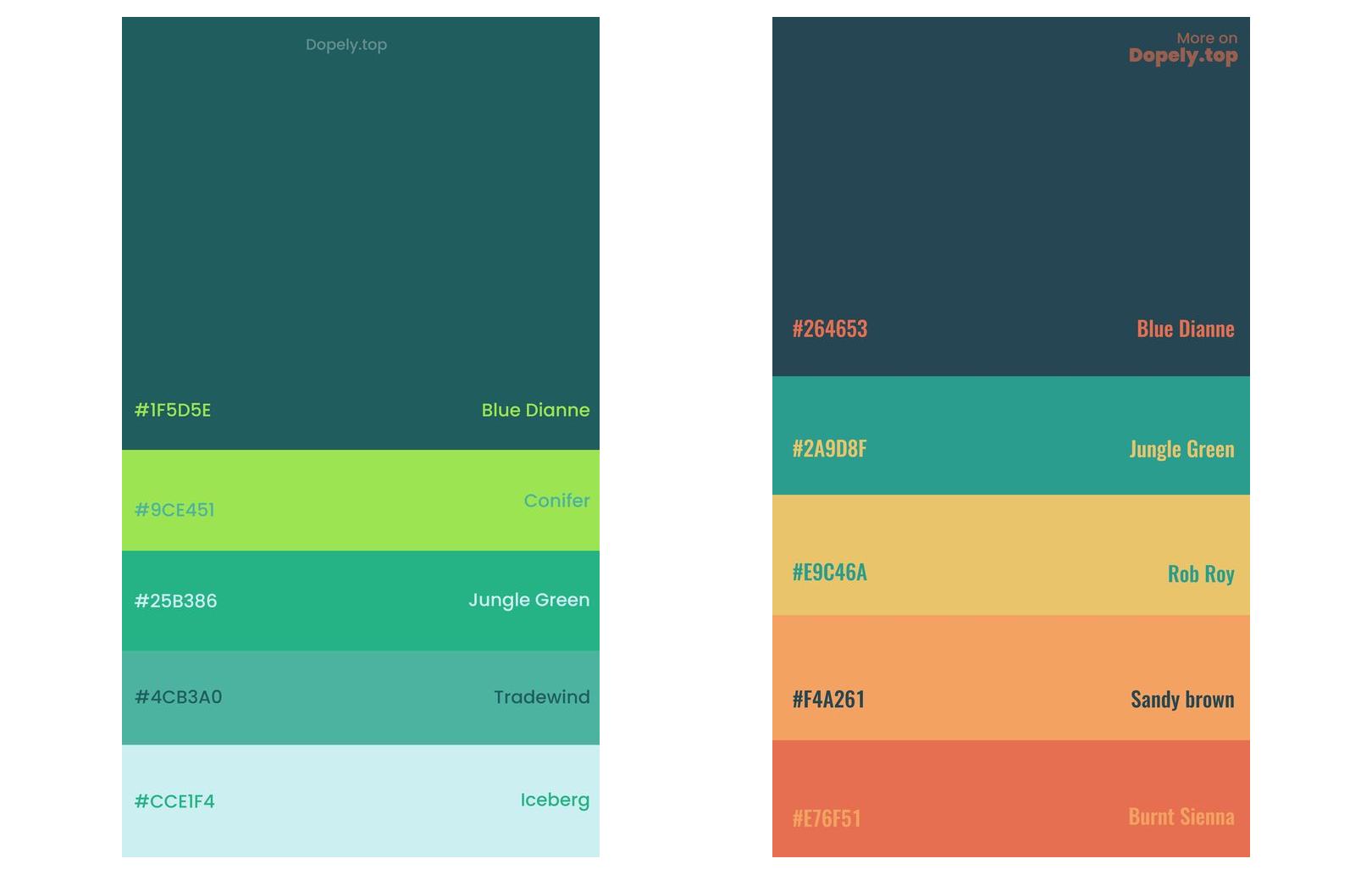
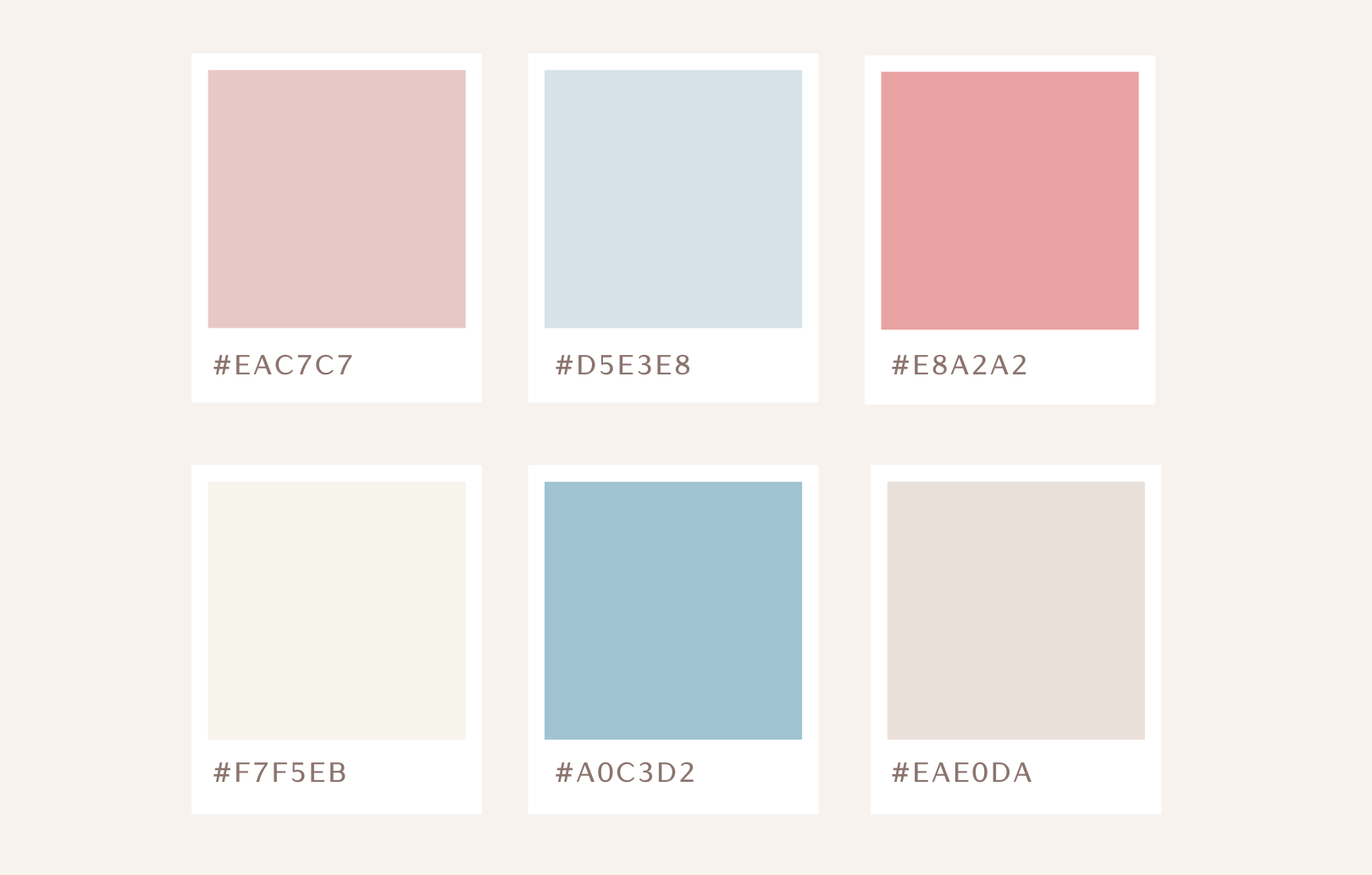
We will need your color swatches/hex codes, these will look something like this - #fdf0d5 / #000000
Below is a little trick (or two) to help you with finding your color palette
Coolors
We suggest heading over to the Coolors websites and viewing the trending color palettes.
If you find something you like, just click on the three dots under the palette you like, click "Copy URL" and then paste & save the link so you can share it with us when completing the content intake form.
Found something that's almost there, but not quite yet? Click on the three dots, then click on "Explore similar" to see more options using the colors you like! Then just copy the URL as described above.
Only want one or two colors? Hey, you can just send that over too! Just find the color you like & click on it - this automatically copies that color's code. Just share your selected colors with us in the intake form!
We've added a screenshot to help you out!

Google & Pinterest
Another options is to do a search on Google or Pinteres for "color palettes with hex codes".
You can either use the full color palette, or look for individual colors that you can share with us.
Remember, we need those codes!
If you see a palette / set of colors you like without codes, you can upload the image when completing your intake form, and we will just save the colors using the image reference.
Fun With Fonts
Let's narrow down your fonts!
If you already have a licensed font that you would like to use on your website just give this section a skip. This is usually the fonts that you're using on your book cover.
We will ask you to upload your fonts when completing the intake form.
Let's introduce you to the magical world of Google Fonts!
Google Fonts are free to use and is a great solution when you don't already have fonts. You can use them on your website, social media, and more!
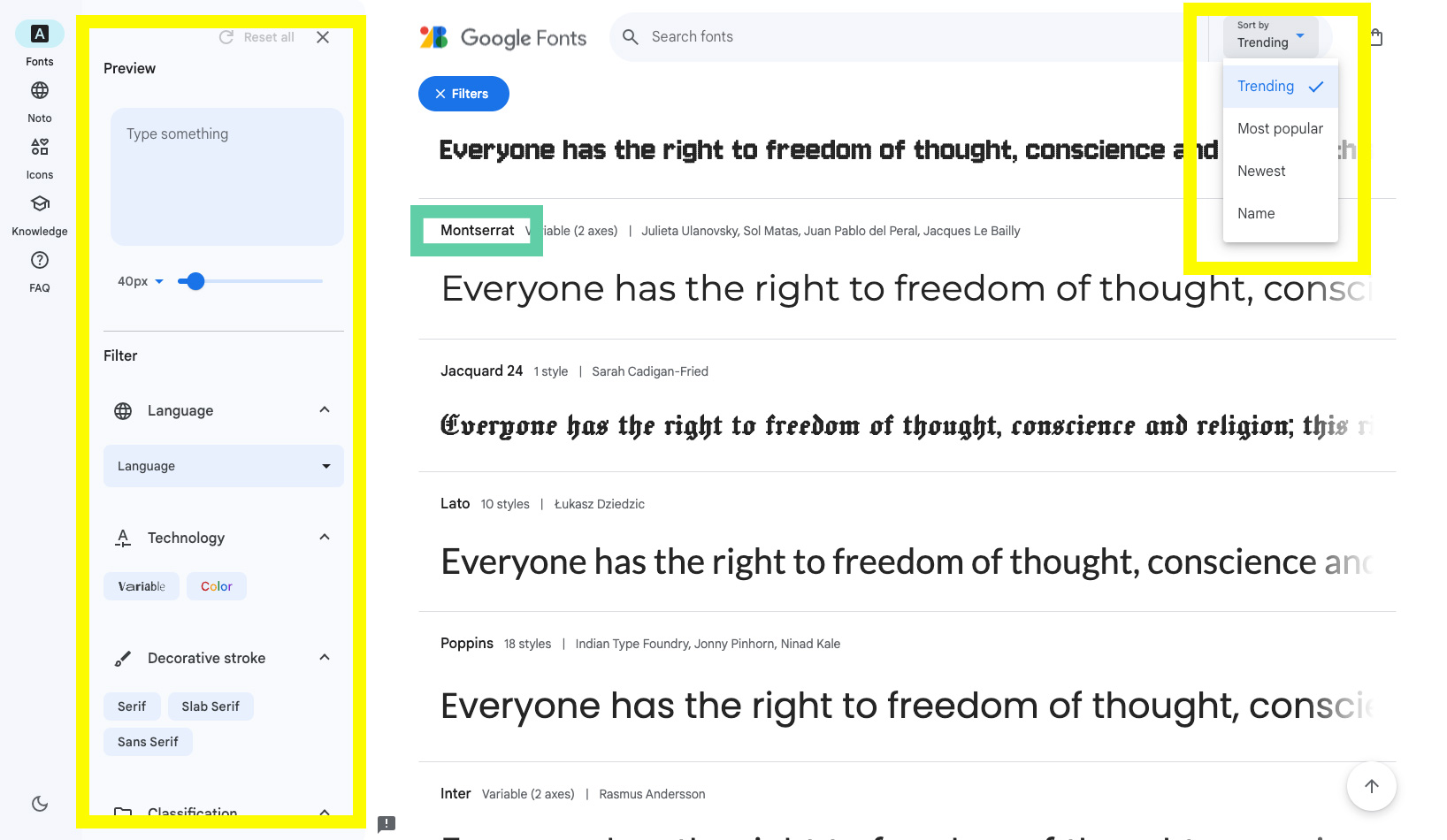
Just find a font that you'd like to use for your brand! You can filter the fonts in the left panel and also sort the fonts by 'trending/most popular/newest'.
When you find a font you like, just share the name of the font with us when completing your intake form (the name will be in above the sample text - as highlighted in green on the image.
Feeling overwhelmed by the choices? Let's just pick something for you based on your book. You can specify this later.
Serif vs Sans Serif vs Slab Serif Fonts
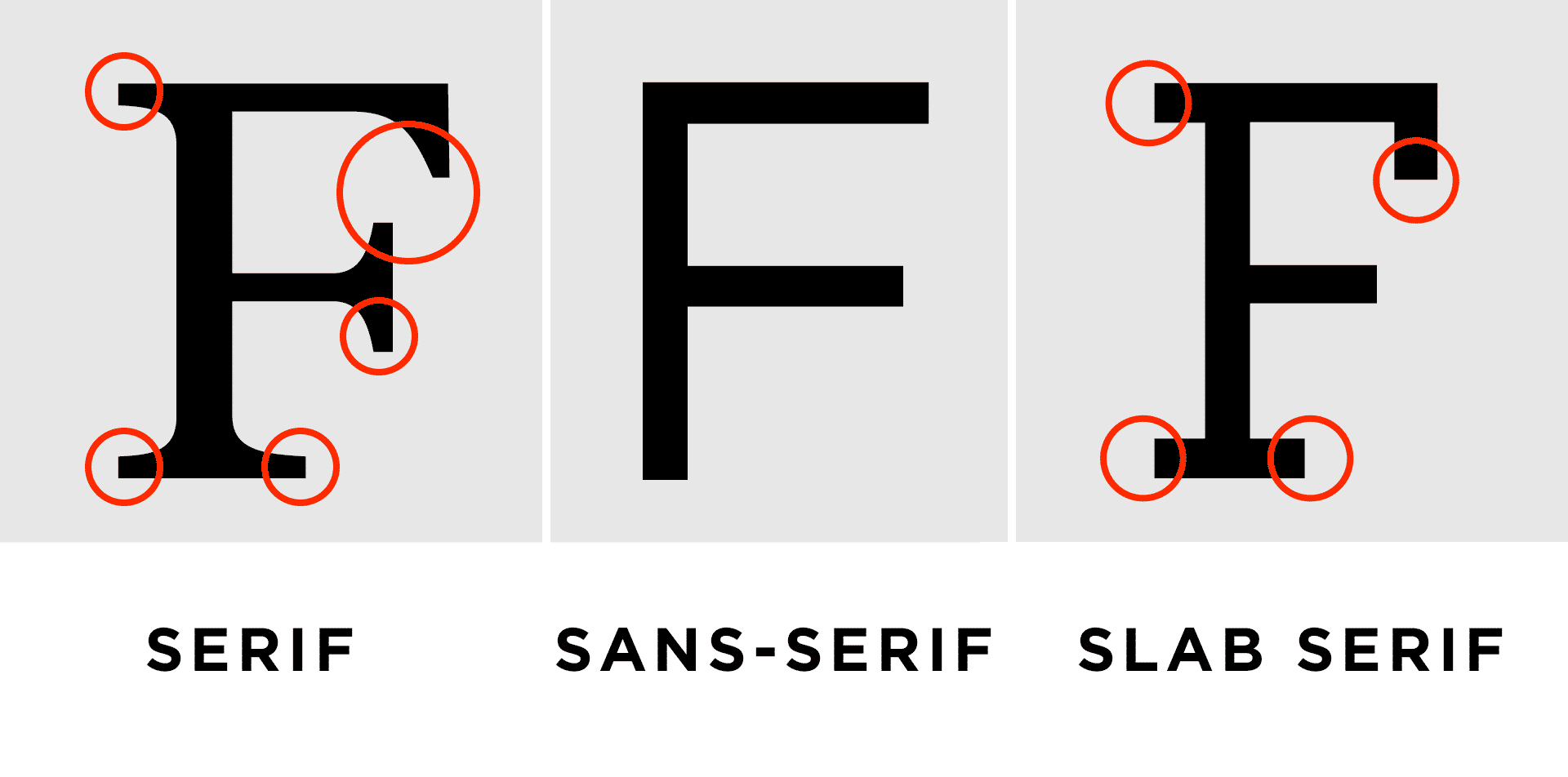
When you start looking at fonts and want to filtering your fonts you will see Serif and Sans Serif options. What's the difference you ask? Check out this example.
Images
If you want to add images to your website but don't have any, we'd suggested looking at free stock websites.
Check out this awesome list. If you find any you like, feel free to share the URLs/links to those images during the intake form process. Or just download the images and upload the images.
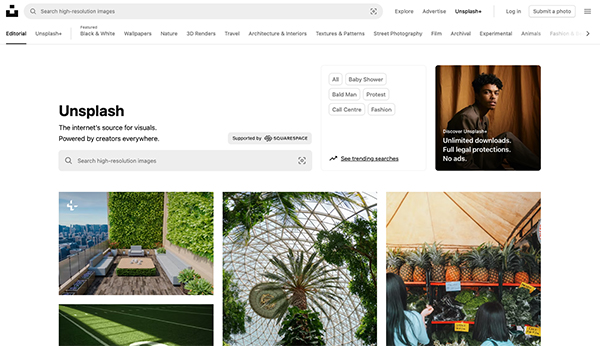
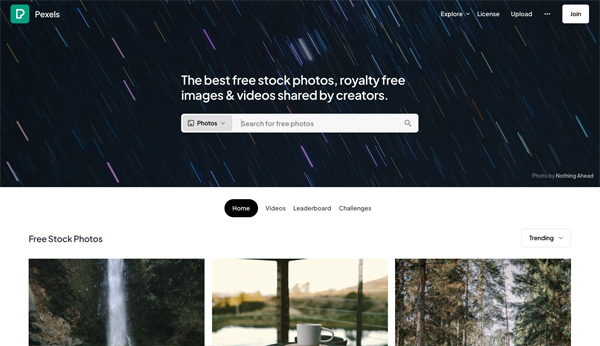
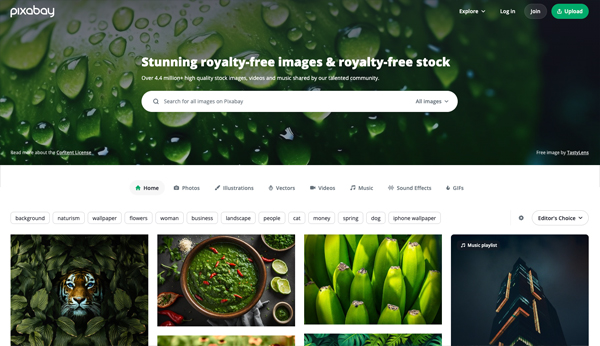
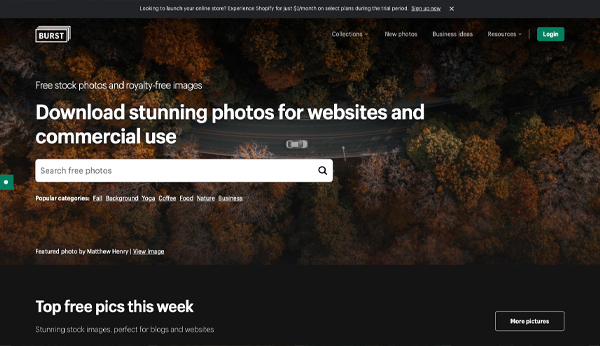
If you have an idea of an images but don't see it on the free stock sites but saw it somewhere else online - feel free to share that with us and we'll see what we can find for you.
You will be asked to upload your images to our intake form.
Ok, so you've got everything for your brand -
let's get all your content
When completing our intake form, make sure you have all your content ready to upload (copy, images, colors, author photo, book images, fonts, book backgrounds, etc).